
2.3YOU’VE COMPLETED 0 STEPS IN WEEK 2Play VideoView transcriptDownload video: standard or HD
Keeping connected: modelling good practice
In this video apprenticeship providers talk about the online systems and digital tools they use to keep in touch with their apprentices.
The apprentices in the video explain why it is so valuable having access to materials online and contact with their trainer or coach through digital means.
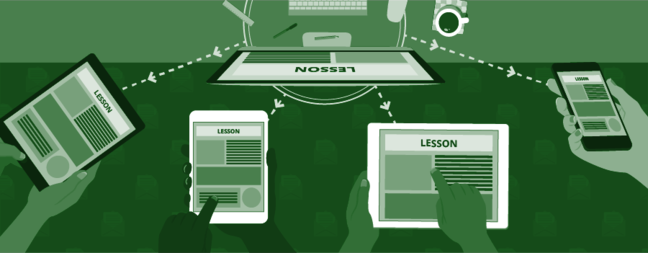
There are many different digital tools which can help apprentices stay in contact.
Email/SMS
Apprentices can keep in touch with their trainers/coaches, managers and fellow apprentices using email and text messages. Both forms of communication are useful as messages can be sent at any time, using a smartphone, tablet or laptop whilst the recipient can respond when it is convenient.
Apps and online conferencing tools
Tools such as Skype, FaceTime and Google Hangouts use video and audio for synchronous meetings, where all participants are online at the same time. They enable apprentices to have more frequent contact than would otherwise be possible with face-to-face meetings. They also enable participants to ‘see’ each other.
Keeping connected is also about everyone having access to the apprenticeship materials, including:
- resources
- assignments
- timesheets
- schedules etc.
LMS – Learning Management System
Many providers (like those in the video) use a learning management system, although not necessarily the same one. Having this type of system enables apprentices to access their learning resources from anywhere at any time. It also allows trainers, coaches and employers to access and add to these materials too.
Cloud storage
Some digital tools allow users to store all the content related to apprenticeships. OneDrive and Google drive can store any file type, though Google also has its own Google docs, Google sheets, Google slides or Google forms. The material can then be accessed by anyone with permission from anywhere, on a range of devices, such as smartphones, tablets and laptops.
Further your understanding:
How do you keep in contact with your apprentices? Provide an example of a digital tool you already use to keep your apprentices connected in the wordcloud below. Each word becomes larger the more times it is entered so make sure you revisit it later in the course to see how it grows and find out which tools are used more often.
Select ‘Launch’ to begin and enter your text. Select ‘Back to course’ to return once you have finished.
Please note, by launching the exercise you will be taken to a page containing content provided by a third party website.

You can find out more about digital tools mentioned in this step by following the links in the See Also section.
Have your say:
- How could you use more digital tools to stay in touch with your apprentices?
- Discuss any barriers to adopting a new digital tool you have faced in your context.
Share and discuss your thoughts with other learners in the Comments.
© University of Leeds / UCL / Ufi Charitable TrustView 1 commentMark as completeKEEPING CONNECTED: CHOOSING THE BEST TOOLARTICLESTAYING CONNECTEDARTICLE
 BLENDED LEARNING 2